Blog
Electrical Box Fuses Guide Understanding Types and Replacements
Home guide to electrical box fuses types safety testing replacing blown fuses troubleshooting and when to upgrade your fuse panel
Read More
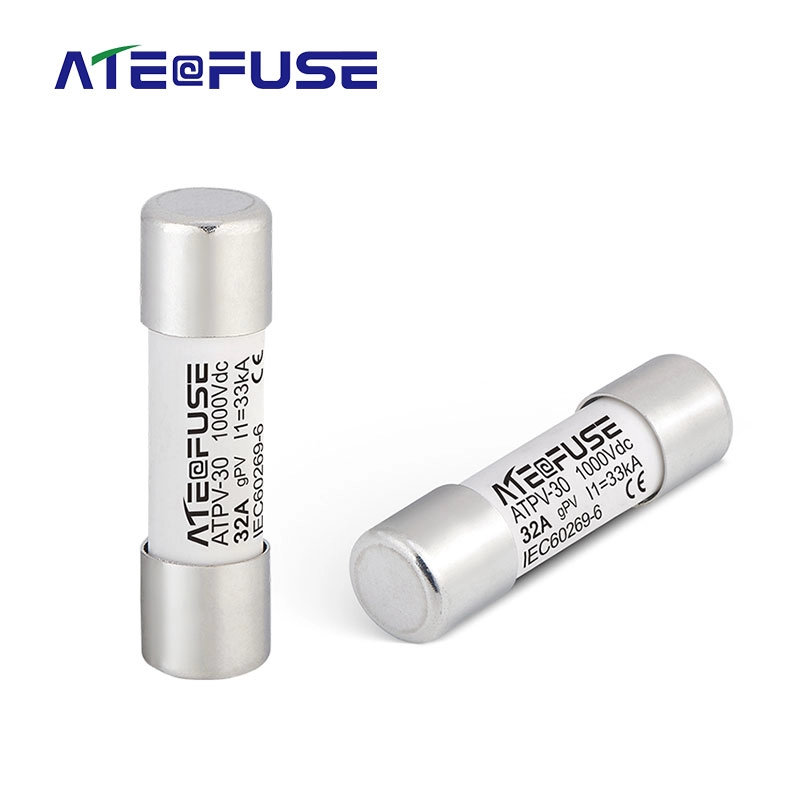
When you see a fuse electrical symbol on a drawing, it simply marks a point where a fuse protects the circuit. On paper, that tiny symbol stands in for a real device whose only job is to safely melt and open the circuit when current gets too high. In an electrical schematic, panel schedule, or single‑line diagram, that fuse symbol tells you, “If something goes wrong here, this is what will blow and protect the rest.”
A fuse is a sacrificial safety device. Its key functions are:
In practice, that means the fuse is designed to be the weak, controlled link in the system: if there’s a short or overload, the fuse goes first, not the supply, busbar, or wiring.
Even though a fuse is simple, we end up with multiple electrical symbols for fuse because of:
So you’ll see a rectangular IEC fuse symbol, a classic ANSI fuse symbol, inline fuse symbols, and high‑voltage power fuse symbols—all representing the same basic function: a device that blows to protect the circuit.
You must be able to spot a fuse symbol vs circuit breaker symbol quickly:
Fuse symbol
Circuit breaker symbol
In short: fuse = melts and must be replaced, breaker = trips and can be reset. The symbols reflect that difference—one is a passive protective link, the other is an active switching device.
When we talk about the electrical symbol for a fuse, we
In IEC 60617, the basic fuse symbol is clean and simple:
You’ll see this style in most modern IEC electrical schematic fuse diagrams, especially in Europe, Asia, and most international OEM products.
You may also see an IEC fuse symbol with a wavy line inside the rectangle:
Functionally, it still just means “fuse” – it’s not a different device, just a different drawing style that some designers still prefer.
For high‑fault‑level applications, IEC uses a variation for HRC fuse symbols (high‑rupturing capacity):
You’ll see HRC fuses in industrial control panels, MCCs, and PV combiner boxes, where fault currents can be huge and the fuse has to interrupt safely.
The time‑delay fuse symbol in IEC isn’t usually a different shape; it’s marked by text:
When you read a fuse symbol in a circuit diagram, always check the text near the symbol—shape alone rarely tells you if it’s slow‑blow, fast‑acting, or HRC.
If you’re dealing with real installations, the same notation will usually match what’s printed on the physical fuse and in the fuse panel or electrical panel drawings, similar to what you’d see in a detailed fuse electrical panel layout.
In North American schematics, the ANSI fuse symbol is usually a small rectangle or oval drawn in series with the conductor, with short straight leads on each side. Under IEEE 315 / ANSI Y32.2, this marks a removable overcurrent protection device that is not resettable—once it blows, you replace it.
Key points of the classic ANSI/IEEE fuse symbol:
When you’re dealing with electrical symbols for fuse devices, IEC and ANSI/IEEE don’t always look the same, but they usually mean the same thing functionally.
In most schematics you’ll see:
IEC fuse symbol (IEC 60617)
ANSI / IEEE fuse symbol (IEEE 315, ANSI Y32.2)
If you’re used to automotive or appliance diagrams, the symbol can be even more simplified. For example, many car wiring drawings show a very basic inline fuse symbol in the fuse box layout, similar to what you’d see in an [auto electrical fuse box guide
When you look at real‑world diagrams, you’ll see a handful of fuse symbols over and over. If you can read these, most power and control schematics instantly become easier to follow.
The most common electrical fuse symbol in circuit diagrams is very simple:
Both mean the same thing: a standard cartridge fuse that will blow when current exceeds its rating. On residential plans or older electrical fuse box layouts, this generic symbol is usually what you’re seeing.
When you see a fuse symbol on an electrical schematic, the critical details are written right beside it. If these ratings are wrong, the protection is either useless or dangerous, so I’m always strict about how they’re shown.
The voltage rating tells you the maximum system voltage the fuse can safely interrupt.
Common notations you’ll see:
Rule of thumb: never use a fuse above its voltage rating. If
When I draw a fuse symbol, I keep it simple and consistent so anyone reading the electrical schematic instantly knows what it is.
IEC fuse symbol (typical)
ANSI / IEEE fuse symbol (typical)
Stay consistent with the rest of the drawing: same grid, same symbol height, and clear spacing so the fuse symbol doesn’t get mistaken for a connector or terminal.
In AutoCAD Electrical, I always start from the standard libraries instead of drawing from scratch:
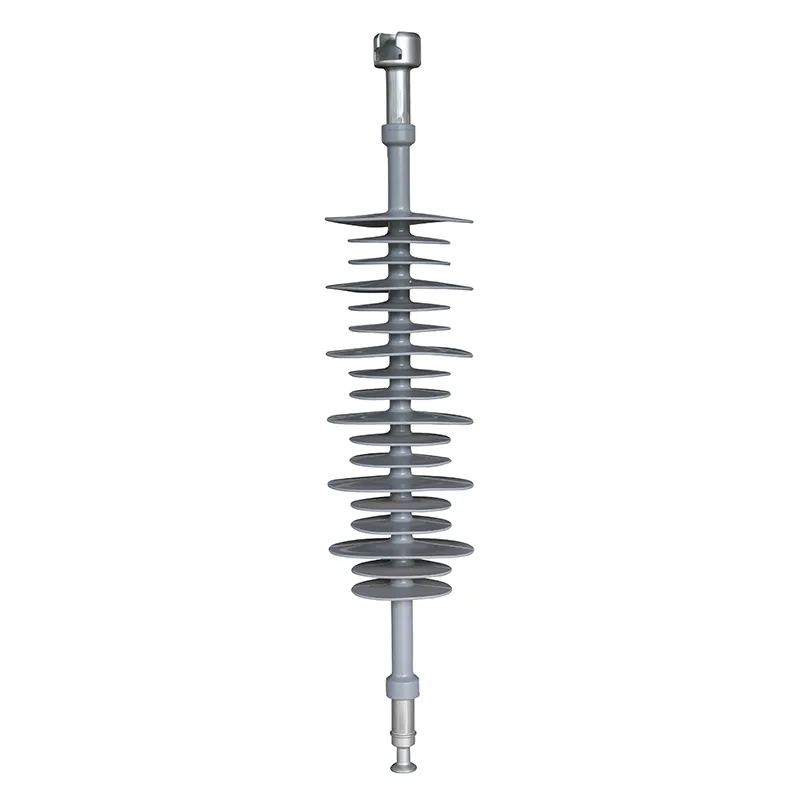
For more protection components used in medium‑ and high‑voltage systems, I usually coordinate symbology with other devices like high‑voltage composite insulators so the one‑line diagrams look clean and unified.
In EPLAN, fuse symbols are handled as macro symbols with device data behind them:
The same logic applies in other professional tools: keep the symbol graphic simple and let the metadata (ratings, types, part numbers) do the heavy lifting.
In Visio, SolidWorks Electrical, and similar CAD tools, I rely heavily on reusable libraries:
If your projects involve current transformers, I’d keep CT symbols and product data aligned with references like the LZZBJ9‑10 current transformer so your protection schemes and fuse devices tie together correctly in the drawings.
Fuse electrical symbols change a lot depending on where you work. If you jump between residential, industrial, automotive, PV, marine, or aviation, you’ll see different ways to show the same basic fuse function. Knowing these variations saves you from misreading protection devices and blowing your coordination studies.
In residential and light commercial drawings, fuses are often shown in a very simplified way:
The goal here is clarity for installers and inspectors, not full IEC/ANSI symbol detail.
In industrial control panels and MCCs, fuse symbols are more standardized and detailed:
Accuracy matters here because fuse type and rating directly affect fault clearing and coordination.
Automotive fuse symbols are their own world:
OEMs care more about quick troubleshooting than strict IEC/ANSI art, so expect brand‑specific variations.
PV drawings focus heavily on DC fusing and high fault currents:
Key point: the symbol may look generic, but the label (gPV, DC, voltage rating) tells you it’s a PV‑rated fuse.
Marine and aviation both push reliability and clear documentation, so their fuse symbols are strict but sometimes unique
In most modern schematics, the standard fuse symbol looks like:
Both mean the same thing: a sacrificial overcurrent protection device that blows when current is too high.
You can tell them apart quickly:
| Device | Symbol clue | Key idea |
|---|---|---|
| Fuse | Simple rectangle/oval, no moving switch | One‑time protection, must be replaced |
| Circuit breaker | Symbol includes switch contacts or a break in the line | Resettable device, can be switched on/off |
On one‑line or power diagrams, breakers often have more complex symbols (springs, trip units) and are labelled with frame/rating, especially for medium‑voltage and high‑voltage circuit breaker devices.
No, there isn’t a single universal fuse symbol. You’ll mainly see:
However, any small series box/oval labelled “F”, “FU”, or with a fuse rating (e.g. 5A, 250V) will almost always be a fuse in practice.
Sometimes you’ll see a rectangle with a wavy or zigzag line inside. That usually means:
In real drawings the differences are small but important:
| Region | Typical standard | Common symbol style |
|---|---|---|
| UK | IEC / BS EN (IEC 60617) | Clean rectangle with labels like F1, F2, “T2A 250V” |
| USA | ANSI/IEEE | Rectangle or small oval, often labelled FU1, FU2, etc. |
The functional meaning is the same; just watch for notation and labeling style (e.g. BS vs UL/CSA fuse codes).
If you’re drawing schematics or single‑line diagrams, use ready‑made libraries:
Always check that the downloaded symbol matches your standard (IEC vs ANSI) and add your own labels: voltage, current, and breaking capacity.
Home guide to electrical box fuses types safety testing replacing blown fuses troubleshooting and when to upgrade your fuse panel
Read More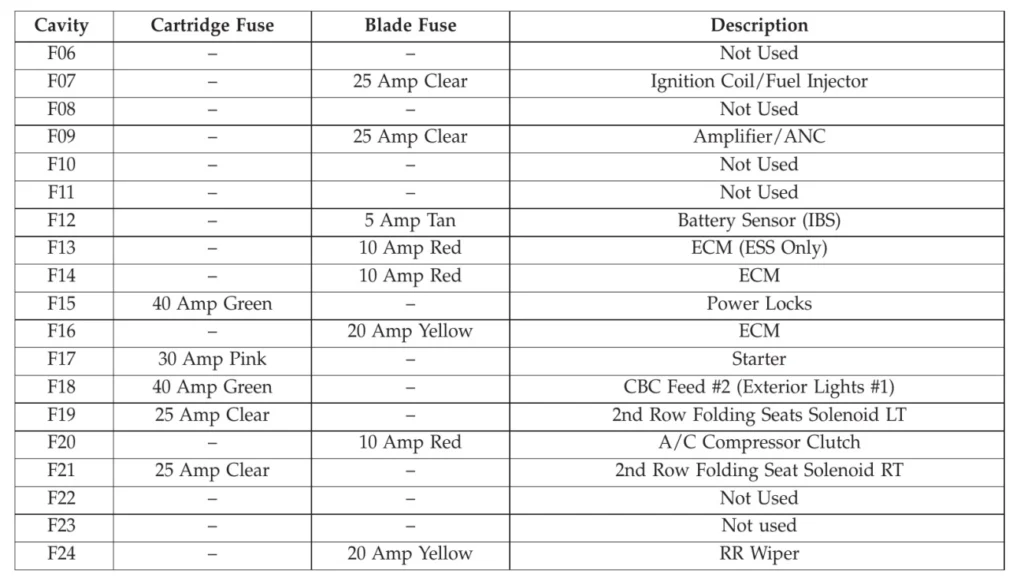
If your car suddenly loses power to the radio, windows, headlights, or even refuses to start, there’s a good chance the problem starts at one place: the auto electrical fuse box. Most drivers know it exists… but not what it does, where it is, or how to fix it when something goes wrong. In this guide, you’ll quickly learn: We’ll walk you through diagnosing, testing, […]
Read More
Shop electrical fuses Lowes guide Types prices brands safety tips and aisle locations for fast fuse replacement
Read More